
Passwords
Type to search, then Enter or a tap copies the password. The clipboard clears itself after 15 seconds. On Android the app fills in logins directly in apps and browsers.
New In development – not in the app stores yet
Simply KeePass makes your credentials available wherever you need them – on the Mac, on Android, on iPhone and iPad, even offline. One vault in the open KeePass format, stored in your storage instead of a provider’s cloud. Search, one click, pasted.
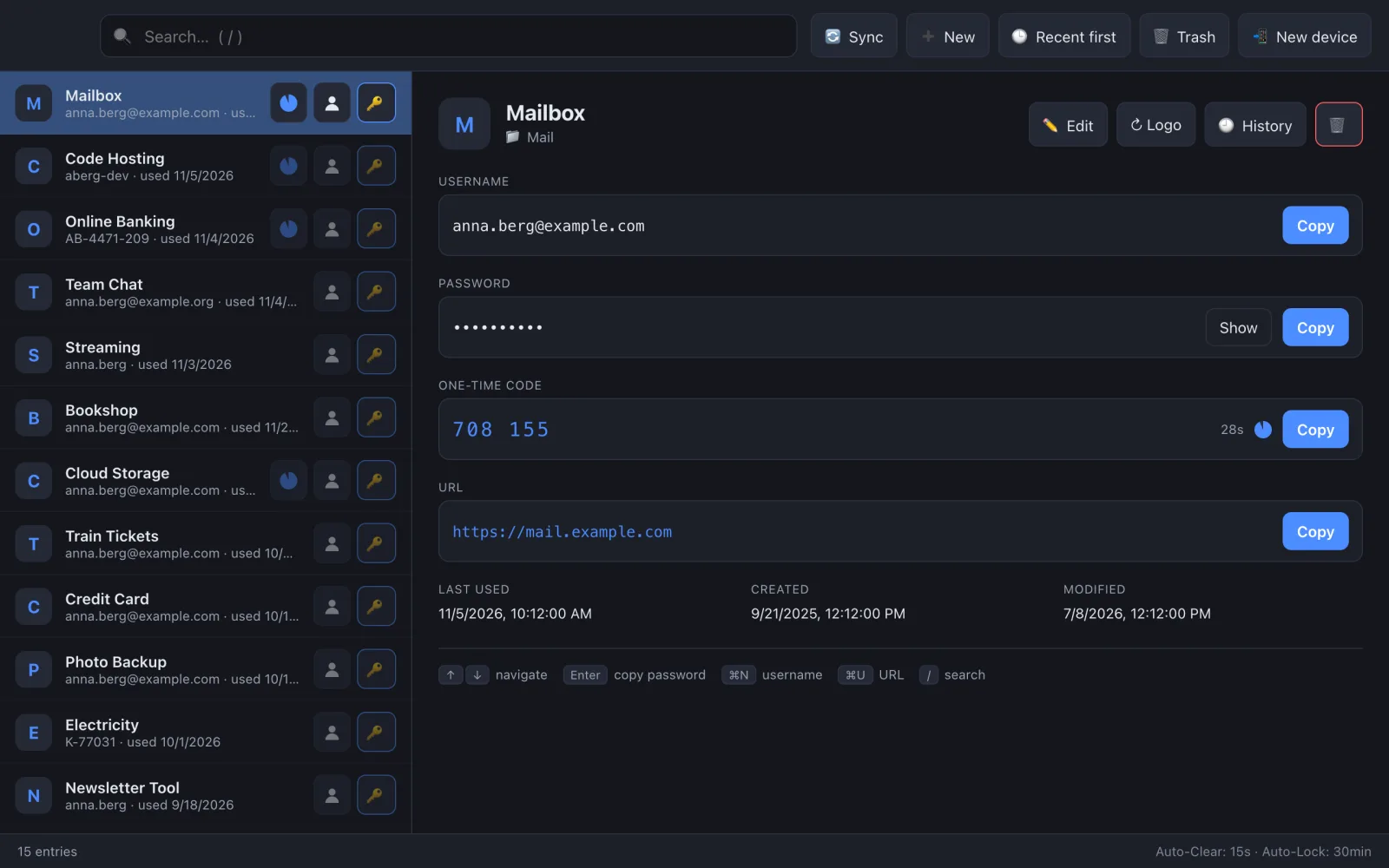
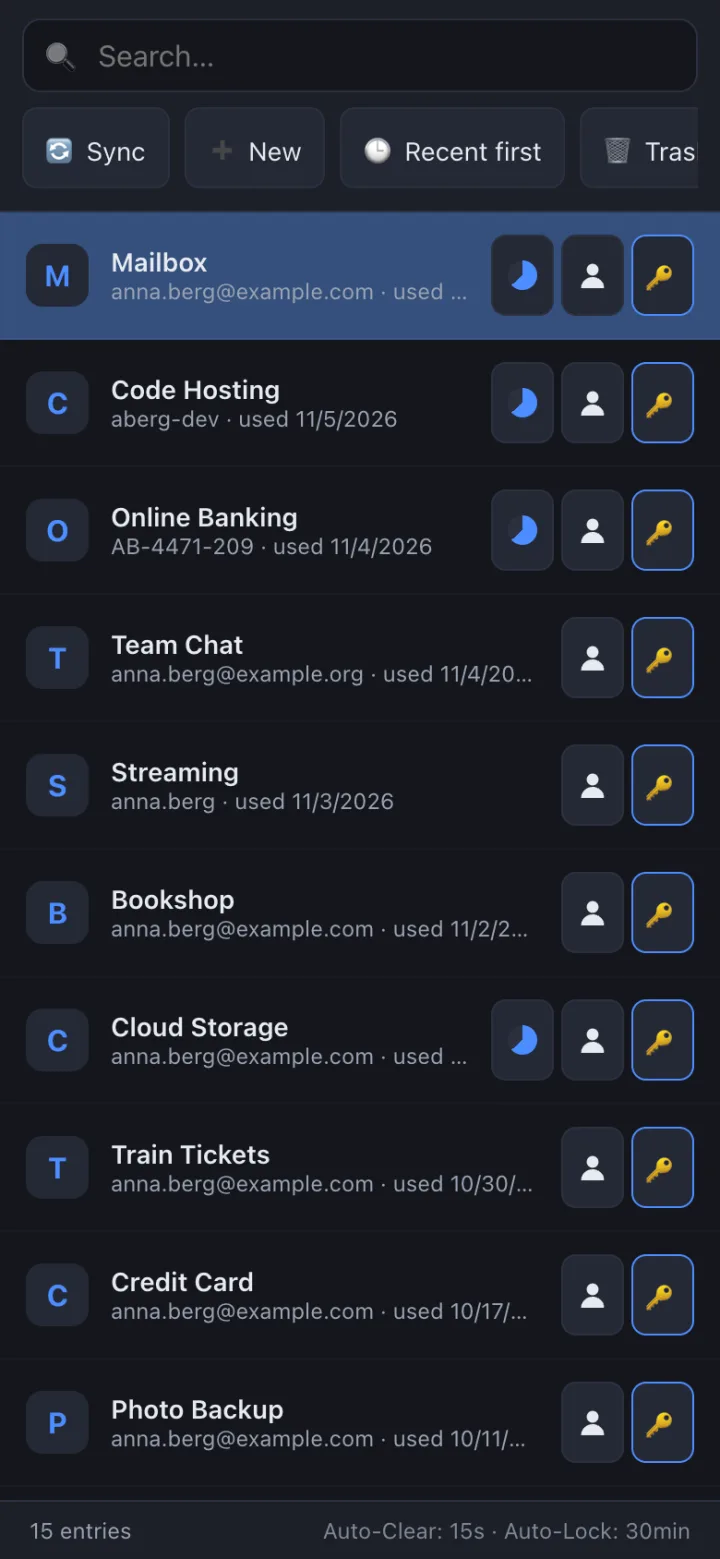
Everything you sign in with
Whether it’s a classic password, a six-digit code or a passkey: Simply KeePass keeps everything in one vault and hands it to you on every device with as few steps as possible.
Type to search, then Enter or a tap copies the password. The clipboard clears itself after 15 seconds. On Android the app fills in logins directly in apps and browsers.
The code for two-factor sign-in sits right next to the entry – with a countdown and one-click copy. Set up with a QR code, on your phone directly with the camera.
Create passkeys and sign in with them – system-wide on Android, as an AutoFill extension on iOS. Stored in the KeePassXC format, so not tied to one device or one corporation.
The vault lives where you put it – today on a WebDAV server (your own server, NAS, hosting provider), soon also in Dropbox, OneDrive or Google Drive. No account with us, no third-party password cloud.
On Android and iOS an encrypted copy lives on the device. Without a connection you can use everything and even make changes; they sync the next time you’re online.
One vault for Mac, Android, iPhone and iPad. Every change lands in your storage right away and shows up on your other devices – merged entry by entry, without data loss.
Touch ID, Face ID or fingerprint instead of the master password. Tablet without a sensor? Then your phone releases it with one tap.
Your data sits in an ordinary KDBX 4 file. KeePass or KeePassXC open the very same file – you’re never locked in.
How it works
Simply KeePass doesn’t need a vendor’s password cloud. The vault is an encrypted file in storage you choose – WebDAV today, Dropbox, OneDrive and Google Drive soon.
Place your .kdbx file on a WebDAV server – your own, your NAS or at your hosting provider. Dropbox, OneDrive and Google Drive are on the way.
Enter the address and your master password in the app. You set up further devices with a QR code.
Every change goes to the server right away and is merged with your other devices. Without a connection, the phone keeps working with its copy.
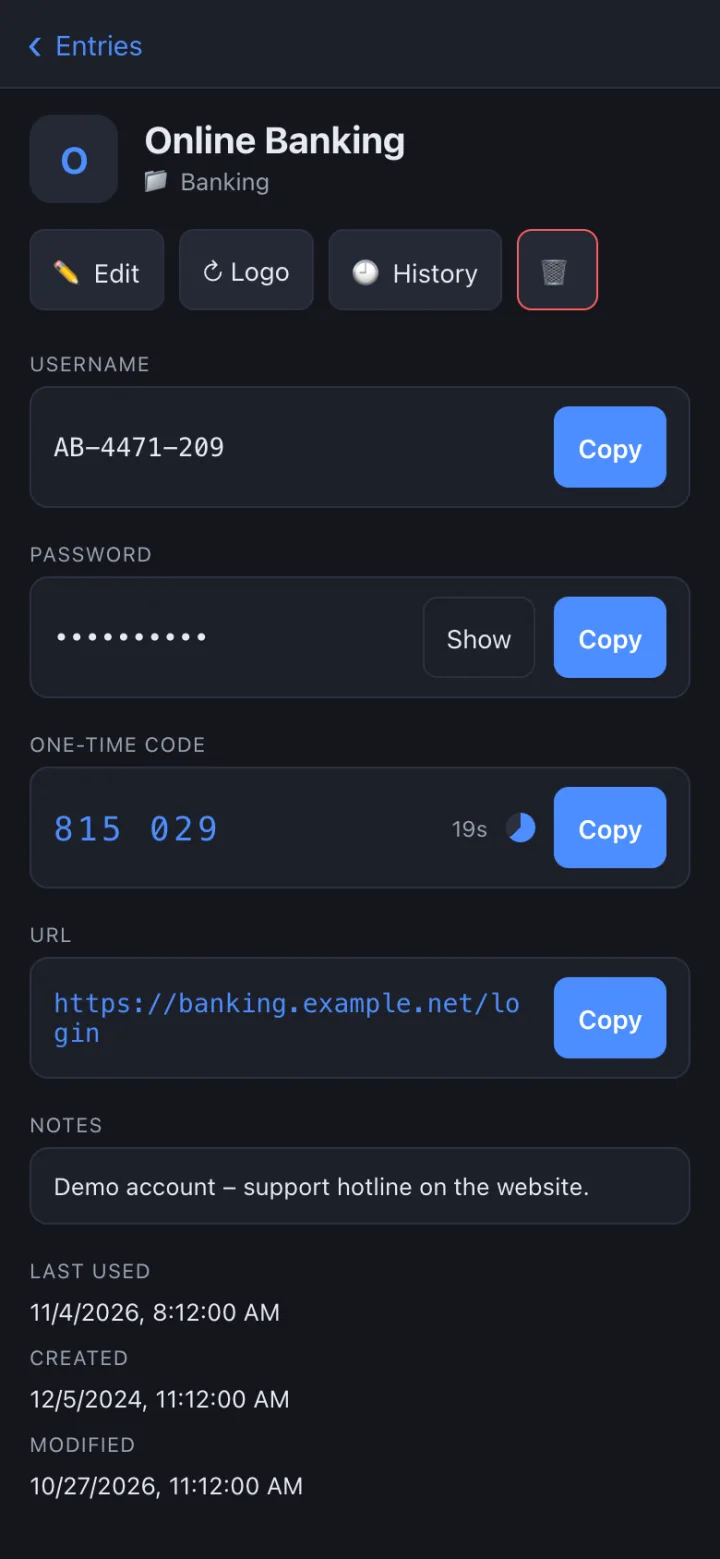
Built for everyday use
Search has focus right away, and the list knows your most-used entries. Username, password and one-time code each get a button right in the row.
/ searches, Enter copies, ⌘N the username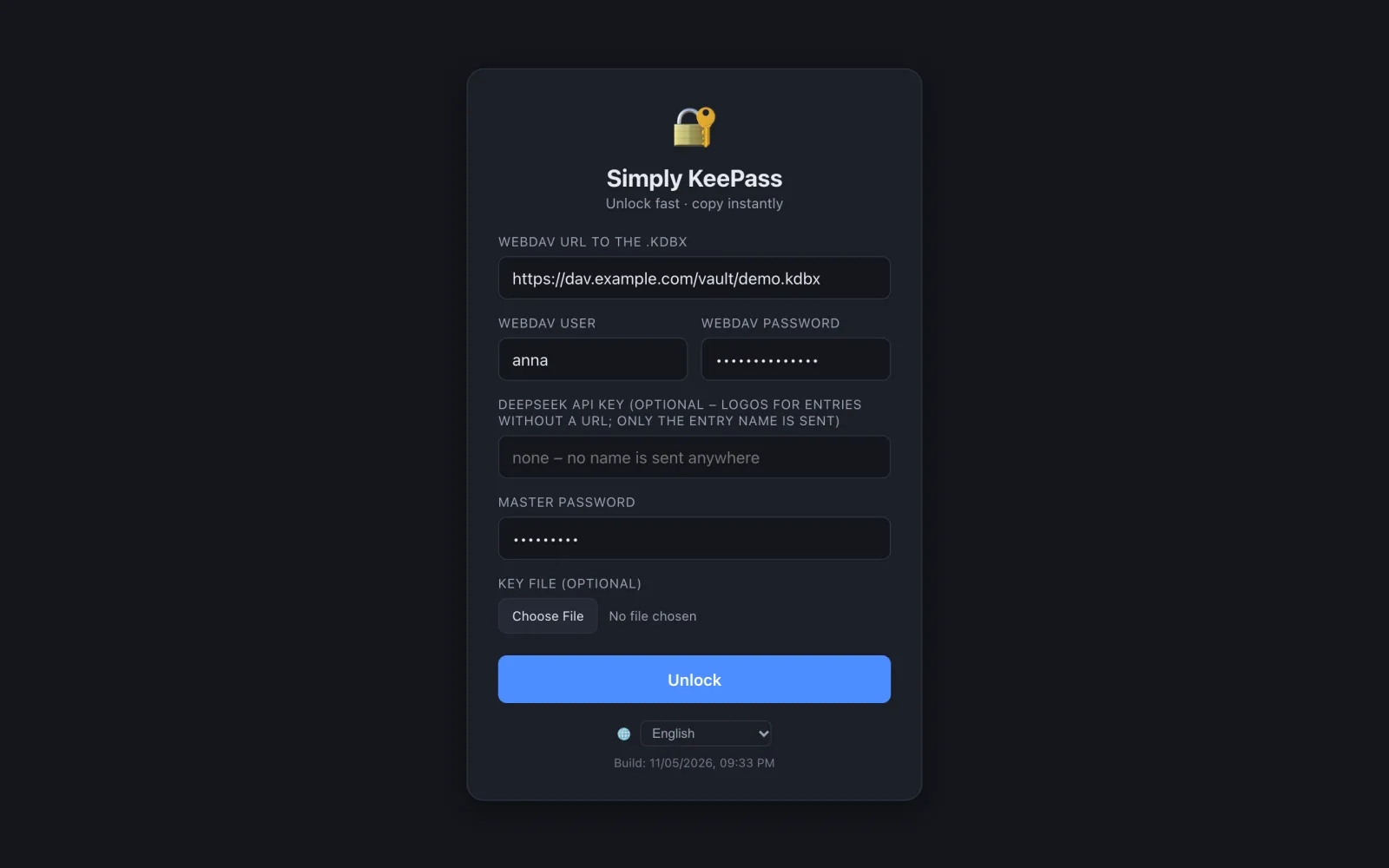
Unlock quickly
Your saved connection shows up as a single line – normally the master password or a glance or touch is all it takes.
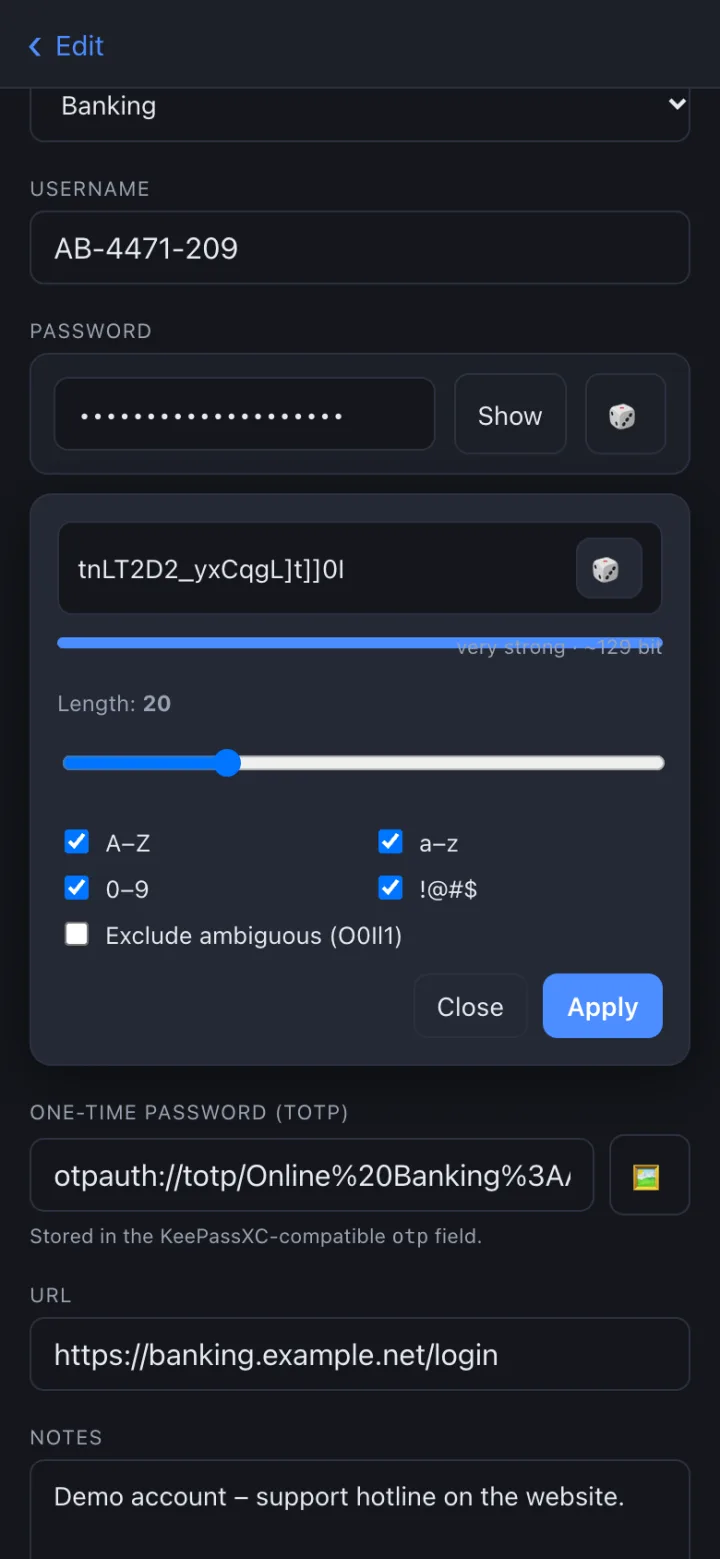
Edit without detours
New entries, strong passwords, setting up 2FA: all right in the app. There’s no Save button – every change is on the server immediately.
Glimpses
Screenshots of the real app – with a demo vault, not real data.
Platforms
One shared core, adapted to each system. The feature overview shows exactly what works where.
Security
Convenience you don’t pay for with your data.
The server only sees the encrypted KDBX file. Decryption happens exclusively on your device.
Master password in memory only – unless you turn on biometrics; then it sits in the Keychain or Keystore.
No sign-up with us, no analytics, no ads. The app talks to your storage – and to third parties only for logos.
Simply KeePass is in development and already runs daily on all three platforms. The apps aren’t in the stores yet – until then, take a look at how everything works.